
What a Volusia County Court Docket Is
A docket is a chronological list of every event tied to a court case. Each line, called a docket entry, records the date an action occurred, what that action was, and which party or officer filed it. In Volusia County, entries cover everything from the day a complaint or charging document was filed through every motion, order, notice, continuance, and judgment that followed. If the judge issued an order on a given date, that date and the order type appear in the docket. If a hearing was scheduled and later continued, both the original entry and the continuance notice appear as separate lines. The docket shows the full life of the case in plain date order.
The docket is not the same thing as the case file or the document images. Think of the docket as the table of contents. The case file holds the actual documents, exhibits, and attachments that each docket entry refers to. Some of those documents are available as public images through the Clerk's online system. Others require an in-person visit or a copy request. The docket itself, however, is often visible online at no charge for public case types. Certain entries may be withheld when a document is confidential by statute or court order, but the overall log remains accessible for most civil, criminal, family, and probate matters filed with the Clerk.
Hearings are a key part of the docket. A hearing entry typically shows the scheduled date and time, the assigned judge, the courtroom or courthouse location, and the hearing type. These fields let attorneys, parties, and members of the public know when a matter will be heard and by whom.
Two Portals for Volusia County Docket Searches
The Volusia County Clerk operates two distinct online search tools, and choosing the right one depends on what you are trying to find. If you have a case number or a party name and you want the full event log for that specific file, you want Case Inquiry. If you want to see upcoming court schedules by case type, judge, or courthouse location, you want Event Inquiry. The two portals overlap in some ways but serve different starting points.
- Case Inquiry (Case Management System)
- Found at app02.clerk.org/ccms/, this is the main case-level search. You accept a public disclaimer, then search by party name or by case number. The result shows the case detail tab and the docket tab. The docket tab lists every event in the case in date order and may display public document images. Case Inquiry covers Circuit Civil, County Civil, Family Law, Probate, and Criminal case records.
- Event Inquiry (Criminal Event / Civil Event)
- Found at app02.clerk.org/cr_evt/inquiry.aspx, the Event Inquiry tool shows court schedules and event lists by case type, official, or location. This is useful when you want to see what hearings are set for a particular judge, a specific division, or a given day. It is better for a schedule view than for pulling a single case file.
Both tools are part of the Clerk's broader search hub at clerk.org/Search-Records.aspx. The Clerk notes that online data is for informational use only and is not the official record. Certified copies of documents remain available by request and are the version accepted in legal proceedings.
Note: The Clerk schedules maintenance on Thursday nights between 7 p.m. and 9 p.m., so searches during that window may be unavailable.
How to Find Volusia County Dockets Online
Finding docket information through Case Inquiry takes only a few steps. You do not need a login for public case types, and there is no charge to view the docket tab. If you do not have a case number, a name search will return a list of matches that you can narrow by case type.
- Open the Clerk Search Records page and select Case Inquiry to reach the Case Management System.
- Accept the public-use disclaimer. It states the portal is for personal public informational use only, is not the official record, and that certified copies may be purchased on request.
- Enter a party name or a case number. For a name search, use the Case Type dropdown to narrow by Circuit Civil, County Civil, Family Law, Probate, or Criminal. Volusia case numbers follow the format year plus sequence plus division code, for example "2026 103169 CFDB." Use the full number if you have it.
- Select a result from the list. The case detail tab shows parties, filing date, case type, status, and financial data where public. The docket tab shows the full event log in date order.
- Review the docket entries. Some entries include a link to the public document image. Others indicate the document is pending Clerk review or is nonpublic by statute or court order.
- Use Event Inquiry at app02.clerk.org/cr_evt/inquiry.aspx when your goal is a hearing schedule rather than a specific case file. Filter by case type, judge, division, or date to see what events are upcoming.
The Clerk's search hub also includes Citation Inquiry for traffic matters, Official Records inquiry for deeds and property instruments, and arrest booking download for criminal booking data. These are separate from case dockets but reachable from the same starting page.
The screenshot below comes from the Volusia County Criminal Event Inquiry portal, the tool used to browse court schedules by type, official, or location rather than by case number.
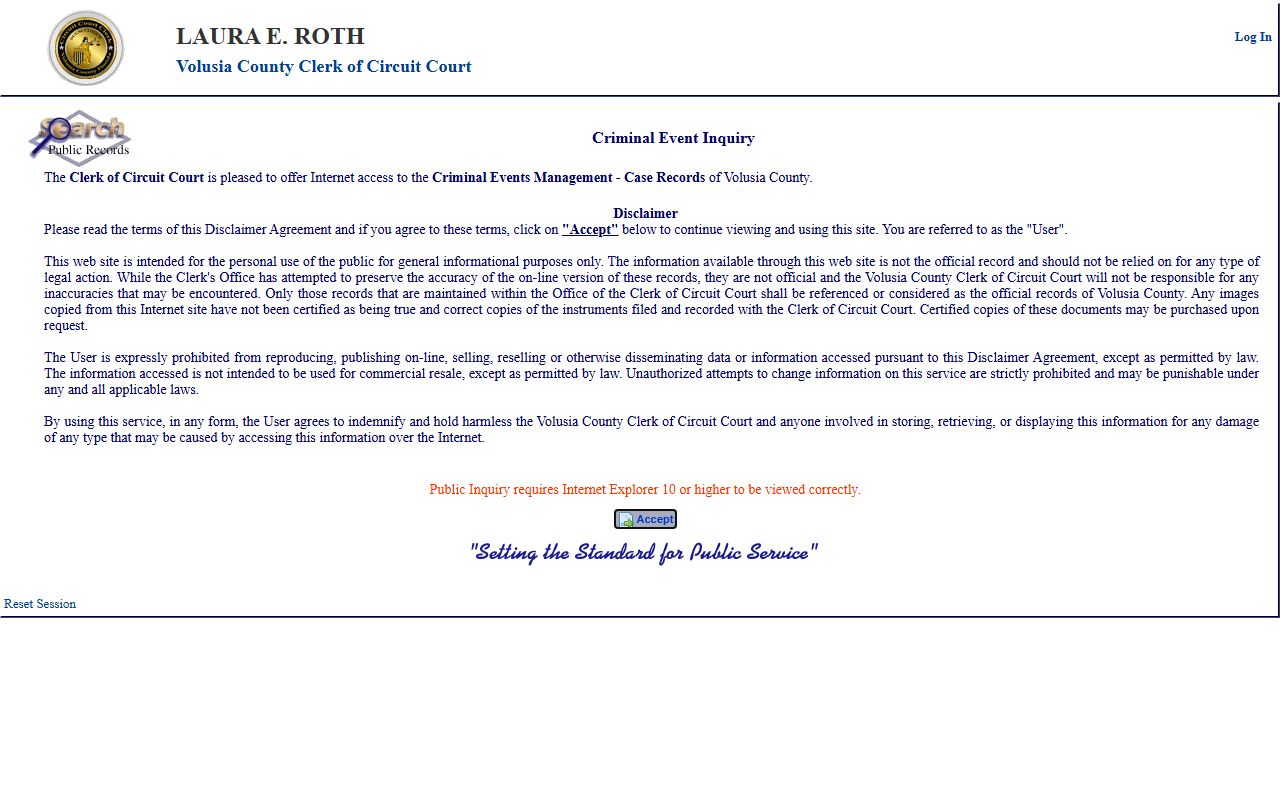
From this portal, you can filter by judge or division to find what is on the calendar for any given Volusia County courtroom or day.
Volusia County Docket Entry Fields
Each line in a Volusia County case docket holds a standard set of fields. Knowing what those fields mean makes it easy to trace what happened, when, and who filed it. The table below maps the common fields to what they show in the Clerk's Case Management System and Event Inquiry portals.
| Field | What It Shows |
|---|---|
| Case Number | Year, sequence, and division code. For example, "2026 103169 CFDB" identifies the year filed, the sequential case number, and the court division (here CFDB is a felony division). |
| Entry Date | The date the event or filing was recorded in the system. Dates appear in MM/DD/YYYY format in the Clerk's system. |
| Event Type | The action recorded on that line: complaint filed, motion filed, order entered, hearing scheduled, notice of hearing, continuance, judgment, sentence, or similar. |
| Filing Party | The party or attorney who submitted the document or the court official who issued an order. Shows plaintiff, defendant, state, petitioner, respondent, or court as appropriate. |
| Hearing Date | The date a hearing is or was scheduled. May differ from the entry date if the hearing was set in advance. |
| Hearing Time | The scheduled start time for a court appearance or hearing. Useful when attending or monitoring a hearing. |
| Judge / Division | The assigned judge and the court division handling the case. In Volusia County, criminal felony divisions include 08, 40, and 41; civil and family divisions carry their own codes. |
| Courtroom / Location | The courthouse or courtroom where the event is set. Volusia County courts operate in DeLand, Daytona Beach, and other locations. |
| Document Link | A link to the public image of the filed document, if available. Some documents are pending Clerk review or are nonpublic by statute or court order and will not display. |
Not every entry will show all nine fields. A routine filing entry may only carry the date, event type, and filing party. A scheduled hearing entry adds the time, judge, division, and location. Checking both the detail tab and the docket tab in Case Inquiry gives the most complete picture of a Volusia County case.
Docket vs. Full Case File vs. Document Images
The docket, the full case file, and document images are three separate layers of a court record. Many people use "case record" to mean all three at once, but in practice each layer is accessed differently and serves a different purpose. Understanding the distinction helps you know what you can get online and what requires a visit or a copy request.
| Docket | Full Case File | Document Images | |
|---|---|---|---|
| What it is | A date-ordered event log for the case | All pleadings, motions, orders, exhibits | Scanned PDFs of individual filings |
| Online access | Available through Case Inquiry, no charge for public cases | Not downloadable as a single bundle online | Some images show on the docket tab; others require Clerk review |
| Primary use | Track what happened and when; check hearing dates | Detailed legal review; full text of orders and motions | Read the exact language of a specific filing |
| Certified copy | Not typically certified on its own | Certified copies available from the Clerk | Certified copies available; $1 per page plus $2 certification fee |
| Confidential entries | Sealed or restricted entries are omitted or blocked | Sealed documents are not provided to the public | Nonpublic images do not display; request denied |
For most research needs, the docket tab in Case Inquiry is the right starting point. It tells you whether hearings are pending, whether a judgment or dismissal was entered, and whether any motions remain open. If you need the actual text of an order or a motion, look for the document image link on the relevant docket line. If no image appears, the document may not yet be released online or may require an in-person request at the Clerk's office in DeLand.
Volusia County Courts and Docket Coverage
Volusia County sits in the Seventh Judicial Circuit, which also includes Flagler, Putnam, and St. Johns counties. The Seventh Circuit is administered through circuit7.org and operates two levels of trial courts in Volusia County: Circuit Court and County Court. The Clerk of the Circuit Court, Laura E. Roth, is the official records custodian for both courts. Dockets for both court levels are accessible through the Clerk's Case Inquiry system.
The Seventh Judicial Circuit has 44 judges circuitwide: 27 circuit judges and 17 county judges. In Volusia County, several circuit judges are assigned to specific divisions, each with its own docket. Felony criminal cases are heard in divisions such as Division 08, Division 40, and Division 41. Civil matters run through Division 31. Family law cases go through Divisions 35 and 38. Each division carries its own judge, courtroom, and hearing schedule.
Below are the main court levels whose dockets are maintained through the Clerk's system.
- Circuit Court, Seventh Judicial Circuit: handles felony criminal, circuit civil, family law, probate, guardianship, and juvenile matters. This is the primary trial court in Volusia County for larger and more serious cases.
- County Court, Volusia County: handles misdemeanors, criminal traffic, small claims, landlord-tenant disputes, and civil claims within County Court jurisdiction. Dockets are kept by the same Clerk office.
- Fifth District Court of Appeal: the intermediate appellate court that reviews most Volusia County trial court decisions. Dockets for appellate cases are maintained by the Fifth District at 5dca.flcourts.gov, not by the Clerk, and follow separate access rules.
The Clerk's Case Inquiry covers Circuit Court and County Court dockets only. If you are looking for an appeal, you will need to check the Fifth District's own online records system.
The image below is from the Volusia County case docket portal, the Case Management System where you look up a specific file and review its event log.
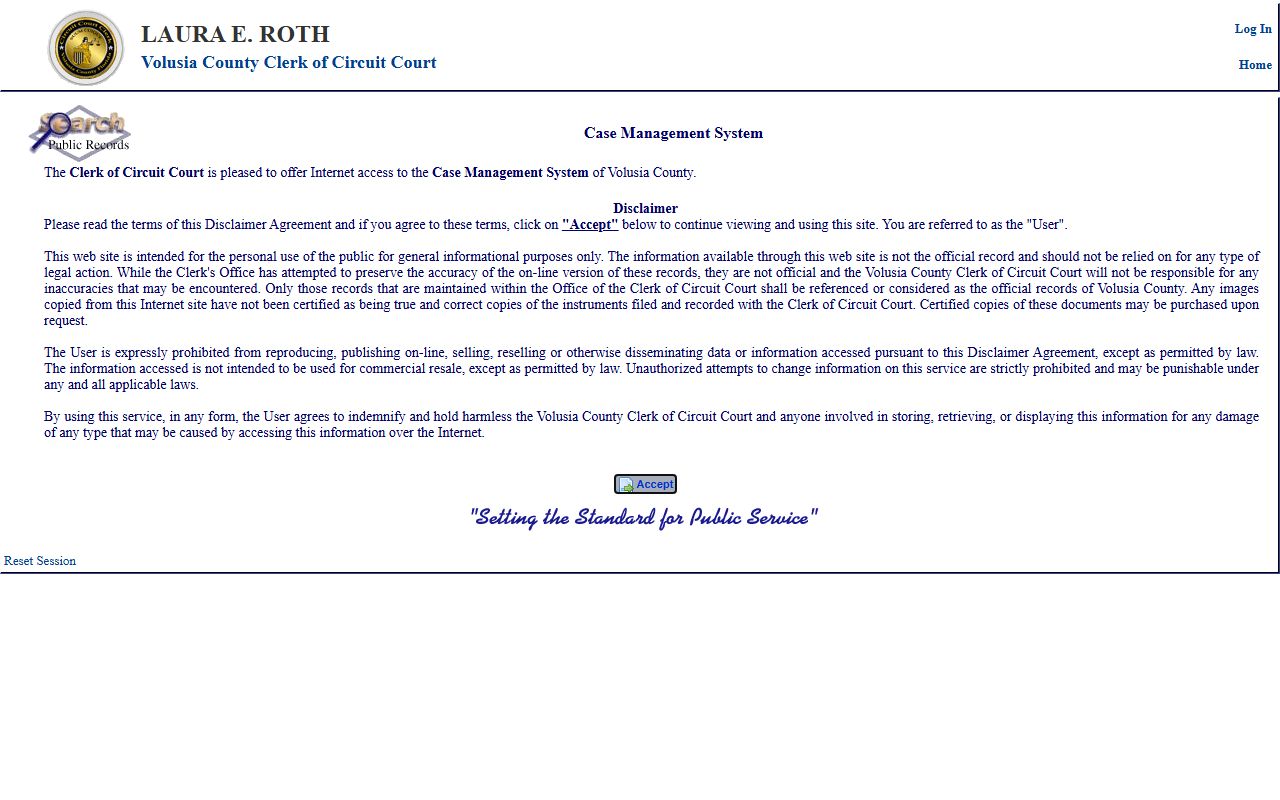
After accepting the disclaimer, you can enter a case number or party name to reach the docket tab and review all recorded case events.
Docket Confidentiality Rules in Volusia County
Florida law starts from a presumption of openness. Court records are public unless a specific rule, statute, or court order says otherwise. The main framework for judicial branch records comes from Florida Rule of General Practice and Judicial Administration 2.420, which defines what is confidential in the court system. Florida Statute 119.0714 covers exemptions that apply specifically to court files and court records maintained by clerks. Together these two sources tell the Clerk what to display, what to redact, and what to block entirely.
Several categories of Volusia County docket entries and documents are confidential under these rules. Juvenile delinquency and dependency dockets are restricted. Adoption records are closed. Mental health clinical records carry separate protections. Cases or documents that a court has ordered sealed are not visible on the public docket. Sealed and expunged criminal records are removed from public access after a court order under Florida Statutes 943.0585 and 943.059. When a case or document should exist but does not appear in a search, it may be sealed, not yet indexed, or searched under the wrong name or case type.
Certain fields are redacted even in public cases. Social Security numbers, bank account numbers, protected addresses, victim information, and juvenile identities are stripped before a record is released online. The Clerk cannot confirm the contents of a sealed file, but can confirm how access rules apply to a given request. Viewing a restricted docket may require party or attorney status, elevated access under court rules, or a court order.
Note: Online docket data is informational only and is not the official record; certified copies must be requested from the Clerk for use in legal proceedings.
Understanding Volusia County Case Numbers
Every case in the Volusia County court system gets a unique identifier when it is filed. That number ties every docket entry, document, and hearing to the right file. Knowing the structure of the number speeds up a search and reduces the chance of pulling the wrong case.
Volusia case numbers follow a three-part format. The first part is a four-digit year, which is the year the case was filed. The second part is a sequential number assigned at filing. The third part is a division or case type code. A criminal felony case filed in 2026 might carry the number "2026 103169 CFDB," where "CFDB" identifies the criminal felony division. Civil cases use different division codes. Family law, probate, county civil, and other case types each carry their own codes.
When you enter a case number in Case Inquiry, use the full number including the division code. Leaving the code off may return no result or the wrong file. If you do not have the case number, a name search with a case type selection is the better route. The Clerk instructs users to click the Case Type dropdown and select the right category before running a name search, since the same person may appear in multiple case types.
Tip: Case numbers from jail booking records or charge screens may already appear in "YYYY NNNNNN XXXX" format. Copying the number exactly into Case Inquiry, spaces included, usually returns the correct file.
Reading a Volusia County Court Docket
Docket entries use a mix of plain-language labels and short codes. The entry type label tells you what happened at that step. Common entries in Volusia County cases include "Complaint Filed," "Summons Issued," "Motion Filed," "Notice of Hearing," "Order Entered," "Continuance Granted," "Judgment Entered," "Sentence Imposed," and "Case Closed." Each entry sits on its own line with a date and, for hearings, a time and courtroom field.
The disposition field or final status entry tells you how the case ended. In criminal cases, the common dispositions are adjudicated, adjudication withheld, dismissed, nolle prosequi (dropped by the state), acquitted after trial, or transferred. Civil cases show judgment for plaintiff, judgment for defendant, settled, dismissed with prejudice, dismissed without prejudice, or transferred. "Dismissed without prejudice" means the case can be refiled. "Dismissed with prejudice" means it cannot. For open cases, no final disposition appears yet, and the most recent docket entry is the last recorded action.
Motions open and then resolve. A "Motion Filed" entry followed later by an "Order on Motion" entry tells you the court ruled on it. If you see a motion filed but no corresponding order, the motion may still be pending. Continuances show up as new hearing entries further down the docket, usually with a note that the prior setting was continued. Criminal cases often include bond-related entries like "Bond Set," "Bond Forfeited," or "Capias Issued," the last of which means a judge issued an arrest order, usually because someone failed to appear.
Short codes appear in the division field. In the Seventh Judicial Circuit, criminal felony divisions use codes like CFDB or similar combinations that include the court type and division assignment. Civil and family divisions carry their own letter-number combos. If a code is unfamiliar, the Clerk's staff can explain it, and the case type field in Case Inquiry usually spells out the full category in plain language alongside the code.